@essergio2: That's not a bug. Every text from the boxes will be simply added to all boxes. The scene contains ~230 boxes and more than a half are written on.
As a result the amount of written text will be increased by a factor of ~165 (that's the reason for your "kernel panic"). Pause the simulation to avoid it.
Last edited at 2009/04/28 13:38:30 by Otacon140.96
I'll finish the work on the Backspace Text Memory [BTM] in the next hours.
As a result you'll be able to undo your input via the backspace key
---
@xplane: Your suggestion is good! I'll seize your ideas in the next version
@all: I'm the inventor of this crazy machine. Watch the original version
Just a little hint:
Select all pusher-boxes (reader and writer) and the four transmitting circles and check 'no selfcollision' for this selection to avoid screen errors.
This is nothing special. It's simple, but it isn't weird.
How to reproduce it:
1. create a polygon
2. turn off gravity
3. create a centered hinge
4. set rotation speed to e.g. 400 and activate the motor
5. press play
6.press pause
7. erease the hinge
8. press play
TA-DA!
Last edited at 2009/05/02 11:53:38 by Otacon140.96
@krzat: I can't reproduce this bug. Maybe your assignment of keys differs from this assignment.
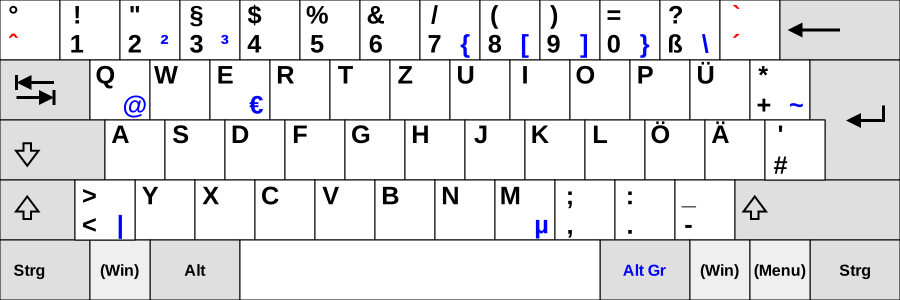
edit: In reference to a lot of keyboard problems which are related with the phun computer I decided to develop a mouse-controlled keyboard. I'll upload it as soon as I can.
*haha* Thank you xplane80 ! I designed the keyboard to be independend of scene.my variables so you can easily clone the keyboard and you'll have two indepedent keyboards (it's demonstrated in the scene)
???
I removed the animation in version 3. Maybe you'll need phun version 5.28...
AmbiTone does not modify the background color of the scene. It modifies the color of the big box behind the pixels.
bbthebman reports me the same problem..
maybe you click too fast? Try to hold the mouse button.
edit: Problem solved. You have to hold the left mouse button.
Last edited at 2009/05/09 11:25:47 by Otacon140.96