Browse Search Popular Register Upload Rules User list Login:
Search:
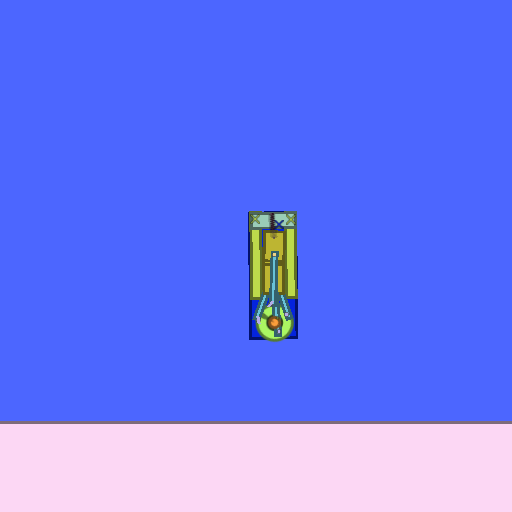
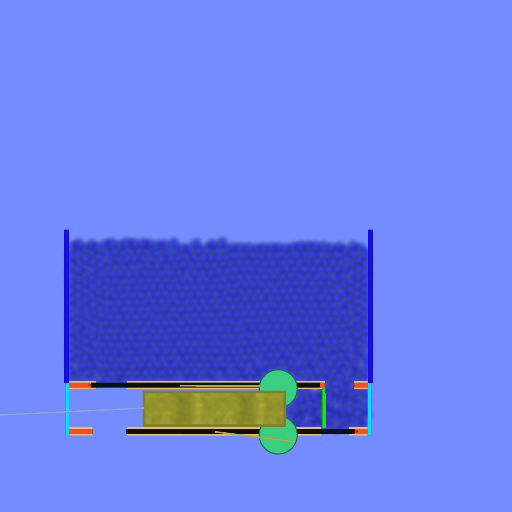
i4 engine (NOT DONE, BUT FUNCTIONAL)

Image:
screenshot of the scene

Author: xplymouth2

Group: Default

Filesize: 8.57 kB

Date added: 2010-10-03

Rating: 4.9

Downloads: 414

Views: 692

Comments: 3

Ratings: 3

Times favored: 0

Made with: Phun

Tags:

Scene tag

its a inline 4 (I4) spring engine that i just made, its not done, im just transfering it pcs. im not done testing yet so it may be able to go stronger without exploding. but its pretty powerful already. you can use it for your creationns if you want, but give me credits have phun:)
Please log in to rate this scene
edit
Similar scenes
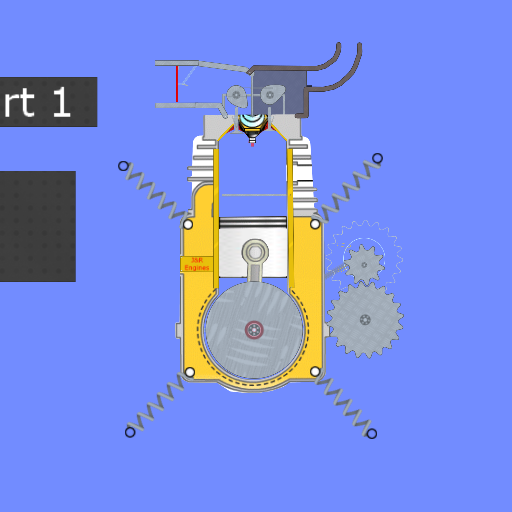
Title: 4t Engine
Rating: 5
Filesize: 1.05 MB
Downloads: 2967
Comments: 0
Ratings: 1
Date added: 2022/05/23 06:12:10
Made with: Algodoo v2.1.0
Rating: rated 5
download
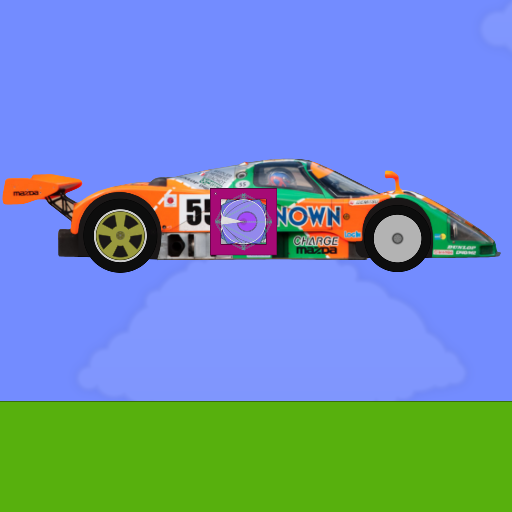
Title: Mazda 787B with working 4-rotor engine
Rating: 5
Filesize: 0.72 MB
Downloads: 1585
Comments: 0
Ratings: 1
Date added: 2020/08/25 18:55:12
Made with: Algodoo v2.1.0
Rating: rated 5
download
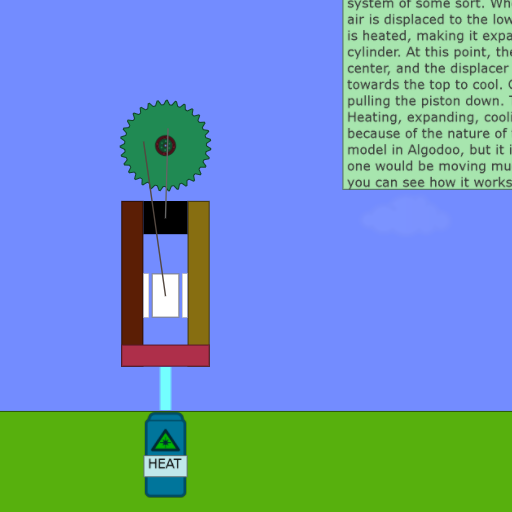
Title: STEAM engine
Rating: 5
Filesize: 159.26 kB
Downloads: 936
Comments: 0
Ratings: 1
Date added: 2010/12/18 23:26:20
Made with: Algodoo before v1.8.5
Rating: rated 5
download
Title: Single Cylinder Spawn Engine w/ Tachometer
Rating: 5
Filesize: 32.83 kB
Downloads: 784
Comments: 2
Ratings: 1
Date added: 2016/11/22 05:01:42
Made with: Algodoo v2.1.0
Rating: rated 5
download
Title: Piston Engine
Rating: 5
Filesize: 300.2 kB
Downloads: 412
Comments: 0
Ratings: 1
Date added: 2013/07/10 07:24:02
Made with: Algodoo v2.1.0
Rating: rated 5
download
Title: Toroidal Engines! DEMO v2
Rating: 7.1539
Filesize: 199.46 kB
Downloads: 1511
Comments: 11
Ratings: 7
Date added: 2015/07/06 00:42:16
Made with: Algodoo v2.1.0
Rating: rated 7.2
download
its pretty good, im not a big fan of spring engines my self, but this is good
:P id make spawn engines, but i SUCK AT SCRIPTING lol
its easy to make a spwan engine, just copy and paste in a code for spawning circles.
I don't konw if I've released any of mine, but here is a script to get started.

(e)=>{
scene.my.addcircle({
pos := e.pos;
radius := 1;
killer = false;
mass = 2;
collideset := 1;
color := [1.0, 0.0, 0.0, 0.3];
drawborder := false;
drawcake := false;
restitution = .5;
friction = .5
})
}


Simply change the different variables to make it yours.
To change the collision set, make a new object, set it to the desired "ABCDEFG" layers and check the scripted collideset. For instance, A & B is combo #3
collideset := 1; <------------


Hope this helped! Good luck!