Hello!
Last night, for whatever reason, I was thinking back to 11th grade math class -- we learned about the 4 centers of triangles and what they all meant!
I realized that, unfortunately, I had forgotten most of what I had learned.
So, today, I have been on a mission to create an Algodoo scene to help me relearn!
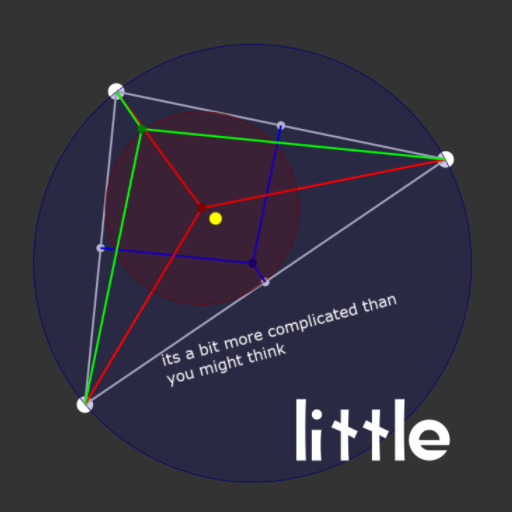
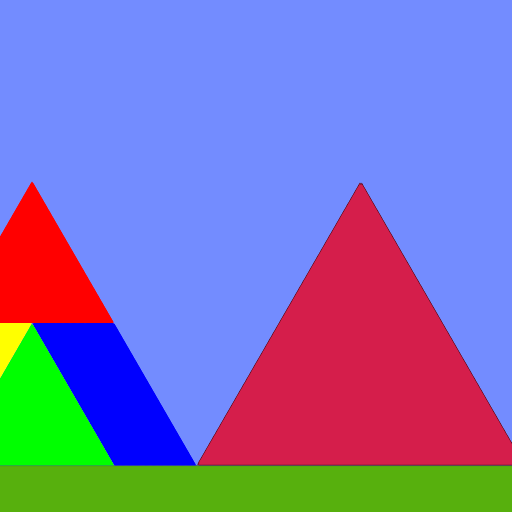
This scene explores the 4 centers of a triangle:
Circumcenter (blue)
Center of the circumcircle (a circle that intersects with all vertices of the triangle)
Found by finding the point where the three perpindicular bisectors meet (perpindicular bisectors are lines perpindicular to the edges based at the midpoint of the edge)
Incenter (red)
Center of the incircle (the largest circle you can fit in a triangle)
Found by finding the point where the three angular bisectors meet (angular bisectors are lines perpindicular to the vertices' angles)
Orthocenter (green)
Orthocenters can tell us whether the triangle is acute (inside), obtuse (outside), or right (on a vertex)
I don't really remember what else is special about orthocenters :c
Found by finding the point where the three altitudes meet (perpindicular bisectors are like perpindicular bisectors except they are below the opposite vertex instead of in the center)
Centroid (yellow)
Center of mass for the triangle (try making a physical triangle by tracing the outlines generated -- you will notice its center of mass is at the centroid!)
Found by getting the average position of each vertex ((v1+v2+v3)/3 = c)
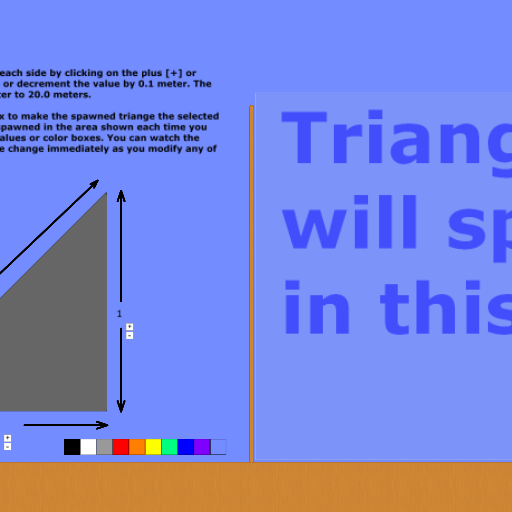
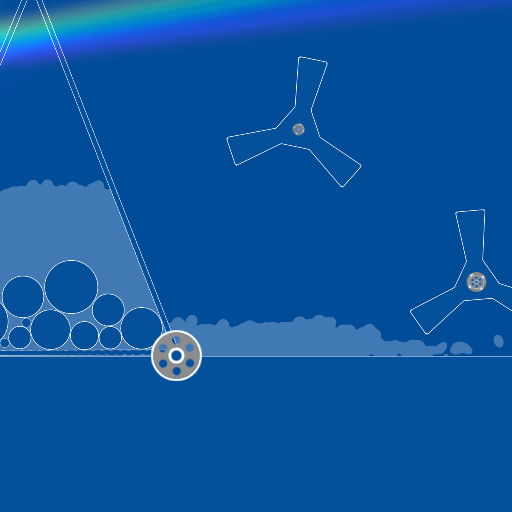
On the left of the circle is a small menu to toggle views of different parts of the triangle, and to update the triangle once you have made changes to its vertices/view.
I originally experimented with making the triangle update live but it was just too buggy and, while it started off running fine, it did spring a few memory leaks after a while

Sorry!
You can force this buggy live update mode on by typing "scene.my.liveUpdate = true" in the simulation console, but I don't recommend it (and it can cause flashing lights)
To modify the triangle itself, simply drag the white circles at the corners (vertices) of the triangle, and click Update Triangle when done.
2017 - 2026 Little (Math Scene)
No AI was used in the making of this scene
Some edible triangles (pizza slices) were harmed in the making of this scene
Have phun!