Browse Search Popular Register Upload Rules User list Login:
Search:
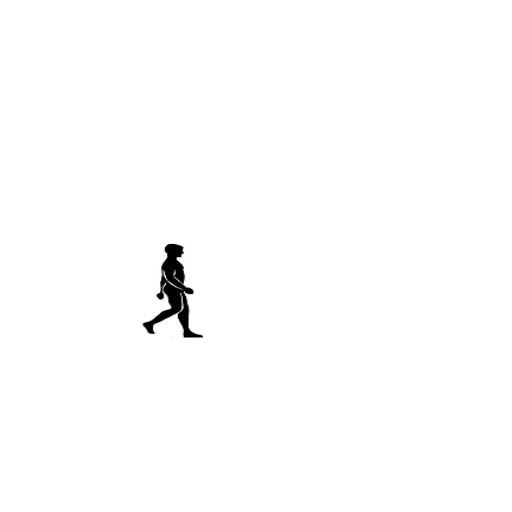
walking men

Image:
screenshot of the scene

Author: Aln_

Group: Default

Filesize: 43.86 kB

Date added: 2014-01-31

Rating: 5

Downloads: 651

Views: 284

Comments: 2

Ratings: 2

Times favored: 0

Made with: Algodoo v2.1.0

Tags:

Scene tag

press left to move
can U do this for me xray?
Last edited at 2014/02/07 13:07:54 by Aln_
Please log in to rate this scene
edit
Similar scenes
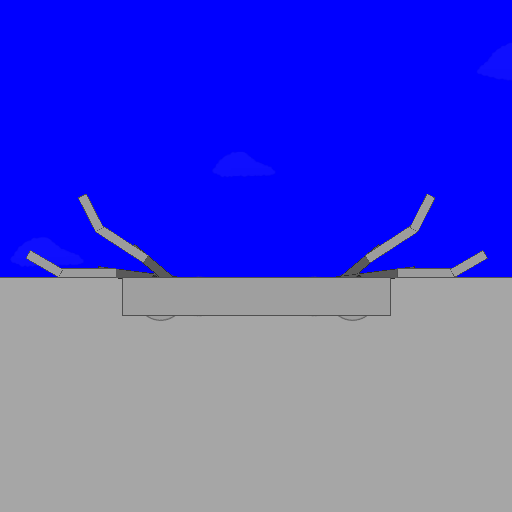
Title: The Under Walker
Rating: 5
Filesize: 12.33 kB
Downloads: 780
Comments: 0
Ratings: 1
Date added: 2012/03/29 18:45:38
Made with: Algodoo v2.0.2 Edu
Rating: rated 5
download
Title: A Walking Stickman 3.0 (Look!)
Rating: 6.7143
Filesize: 33.65 kB
Downloads: 74
Comments: 5
Ratings: 7
Date added: 2009/01/12 00:34:02
Made with: Phun
no image found for this scene
Rating: rated 6.7
download
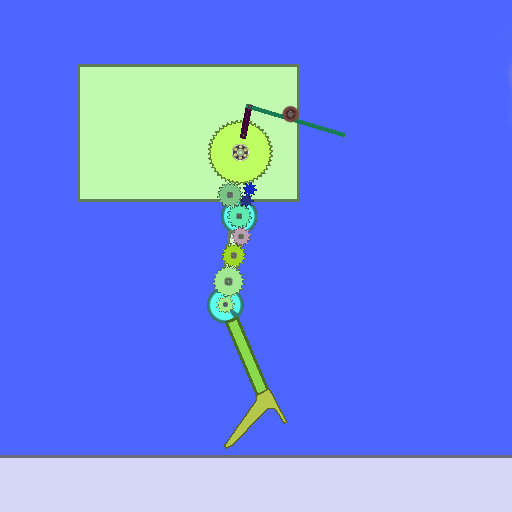
Title: Walking concept
Rating: 5
Filesize: 29.71 kB
Downloads: 570
Comments: 0
Ratings: 1
Date added: 2013/12/03 21:23:16
Made with: Algodoo v2.1.0
Rating: rated 5
download
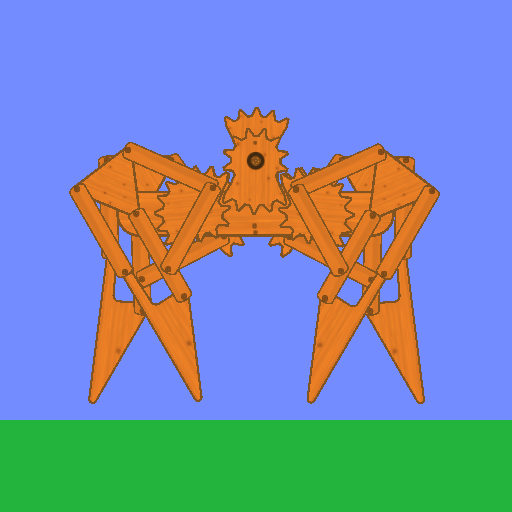
Title: Four-Legs Walking-Machine
Rating: 6
Filesize: 356.19 kB
Downloads: 1770
Comments: 6
Ratings: 5
Date added: 2011/11/18 22:23:47
Made with: Algodoo v1.8.5
Rating: rated 6
download
Title: Horse Walking system
Rating: 5
Filesize: 78.47 kB
Downloads: 526
Comments: 0
Ratings: 1
Date added: 2013/09/14 15:07:51
Made with: Phun
Rating: rated 5
download
Title: walking thing!
Rating: 5
Filesize: 15.25 kB
Downloads: 563
Comments: 0
Ratings: 1
Date added: 2021/01/10 21:52:18
Made with: Algodoo v2.1.0
Rating: rated 5
download
Responses to this scene
show list
Title: Walking Man (for user aln_)
Rating: 5
Filesize: 103.58 kB
Downloads: 309
Comments: 3
Ratings: 1
Date added: 2014/02/06 20:58:47
Made with: Algodoo v2.1.0
Rating: rated 5
download
You have the right idea, but the scene could be improved so that the movement of the animation isn't so jerky and erratic. Try these things:

1. Slow down the spinning wheel to about 70 RPM.
2. Adjust the five image boxes surrounding the spinning wheel so that they are exactly the same distance from the center. Also, adjust their positions so that they make contact with the viewing box consistently as they rotate.
3. Use the texture tool to adjust the viewed image so that there is only one man being viewed in the box. You can adjust the size of the image with the mouse wheel after you select the box with the texture tool.

Let me know if you have any questions and I will try to help you.

By the way, the image moves with the RIGHT arrow key (not the LEFT one).
Last edited at 2014/01/31 23:35:55 by Xray
Okay, I made a response scene for you. See my comments in the scene description.