Browse Search Popular Register Upload Rules User list Login:
Search:
glitch in phun

Image:
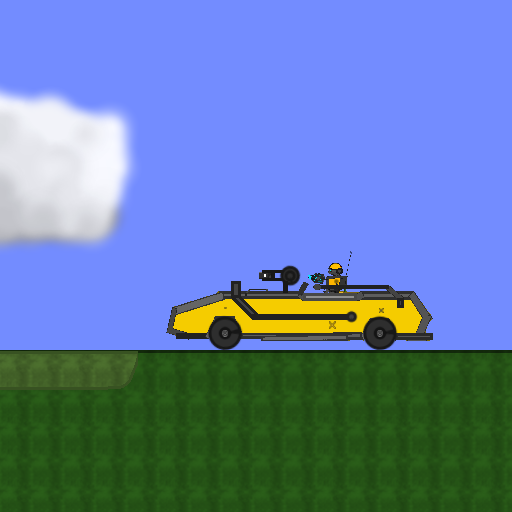
screenshot of the scene

Author: phunbox1 (vuur150)

Group: phunbox1

Filesize: 3.45 kB

Date added: 2008-10-16

Rating: 5

Downloads: 441

Views: 805

Comments: 7

Ratings: 3

Times favored: 0

Made with: Phun

Tags:

Scene tag

its a glitch, figure it out and ill say if your wrong or not:P
Please log in to rate this scene
edit
Similar scenes
Title: WATER GLITCH
Rating: 5
Filesize: 1.89 kB
Downloads: 604
Comments: 0
Ratings: 1
Date added: 2009/07/10 20:36:50
Made with: Phun
Rating: rated 5
download
Title: old phun glitch
Rating: 5
Filesize: 7.96 kB
Downloads: 2330
Comments: 4
Ratings: 1
Date added: 2009/03/20 04:04:49
Made with: Phun
Rating: rated 5
download
Title: Metal arms - Glitch V 2.0
Rating: 5
Filesize: 213.52 kB
Downloads: 1126
Comments: 2
Ratings: 1
Date added: 2010/04/15 11:05:08
Made with: Phun
Rating: rated 5
download
Title: cool glitch
Rating: 2.1429
Filesize: 3.21 kB
Downloads: 320
Comments: 1
Ratings: 7
Date added: 2008/12/23 18:07:46
Made with: Phun
Rating: rated 2.1
download
Title: Mr. glitch
Rating: 5
Filesize: 0.66 MB
Downloads: 876
Comments: 1
Ratings: 1
Date added: 2020/10/20 09:29:49
Made with: Algodoo v2.1.3
Rating: rated 5
download
Title: changing background
Rating: 5
Filesize: 30.13 kB
Downloads: 472
Comments: 1
Ratings: 1
Date added: 2009/04/19 16:46:38
Made with: Phun
Rating: rated 5
download
There are already several scenes that use the "body" function in notepad.
it's not a glitch, it's body grouping by text editing a phun file.
What supposed to happen?
ppl who dont know what happens, just drag the thing up, and the other one will go too, i can tell you how to make this if you want!
you fix 2 objects together than change the position of boxes by editing the file in notepad, changed the y and x of one of the boxes and you should have the sane thing
Actually, you don't need to edit anything in notepad!
You fixate 2 things together, then hold alt and move one of the objects away!:lol:
i know - that is what he has done!