Browse Search Popular Register Upload Rules User list Login:
Search:
Screw & Nut

Image:
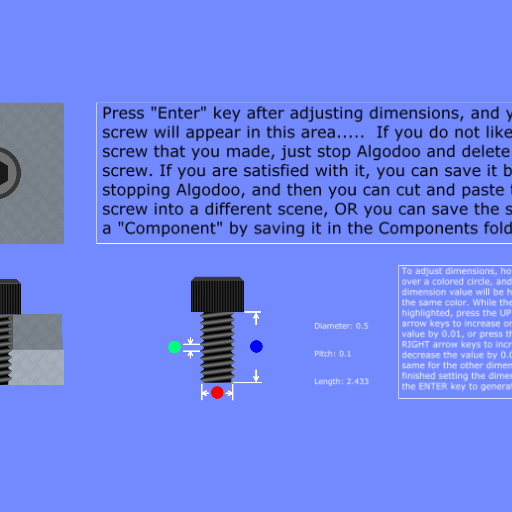
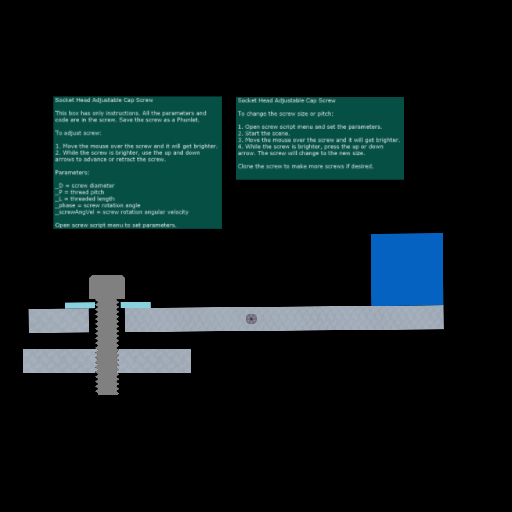
screenshot of the scene

Author: s_noonan

Group: Technical

Filesize: 13.29 kB

Date added: 2012-02-20

Rating: 6.8

Downloads: 831

Views: 559

Comments: 5

Ratings: 6

Times favored: 0

Made with: Algodoo v1.8.5

Tags:

Scene tag

Too much coding and about as exciting as watching paint dry. Does not work in Phun. Maybe OK on faster computers.
Last edited at 2016/07/02 21:01:43 by s_noonan
Please log in to rate this scene
edit
Similar scenes
Title: Zip Gun
Rating: 6.5
Filesize: 22.54 kB
Downloads: 2919
Comments: 7
Ratings: 4
Date added: 2010/05/31 19:50:03
Made with: Algodoo before v1.8.5
Rating: rated 6.5
download
Title: The Screw Factory
Rating: 6.1111
Filesize: 351.34 kB
Downloads: 2341
Comments: 9
Ratings: 3
Date added: 2017/06/25 05:43:36
Made with: Algodoo v2.1.0
Rating: rated 6.1
download
Title: insert screw
Rating: 5
Filesize: 108.95 kB
Downloads: 1129
Comments: 1
Ratings: 1
Date added: 2019/10/27 06:31:16
Made with: Algodoo v2.1.0
Rating: rated 5
download
Title: NUT AND BOLT
Rating: 6.1111
Filesize: 6.7 MB
Downloads: 1417
Comments: 5
Ratings: 3
Date added: 2013/04/08 02:52:43
Made with: Algodoo before v1.8.5
Rating: rated 6.1
download
Title: Slide Overload Protection A
Rating: 5
Filesize: 105.61 kB
Downloads: 359
Comments: 4
Ratings: 1
Date added: 2024/03/02 18:13:15
Made with: Algodoo v2.1.0
Rating: rated 5
download
Title: Twin Screw Vise Improvement
Rating: 5
Filesize: 106.32 kB
Downloads: 346
Comments: 5
Ratings: 1
Date added: 2021/09/10 22:11:55
Made with: Algodoo v2.1.0
Rating: rated 5
download
Amazing I'm not even going to try and figure out how you did this:tup: :tup:
I have no idea how you managed to do that!
10/10! :)
Downright astounding, and well deserving of 10/10.

Did you use a loop to shift the coords of the vertices over to make the bolt 'turn'?
i see whats going on, but not how its done
I delete the screw and redraw it for each angular increment. I use a function I wrote called Scene.my.drawScrew(D, P, L, Rot); where D = screw diameter, P = screw pitch, L = screw length, and Rot = screw rotation. You can create a screw from the console by entering this function with some values (for example, "Scene.my.drawScrew(0.375, 0.0625, 1.00, 1.57)"). You can see the function code by entering "Scene.my.drawScrew".