Browse Search Popular Register Upload Rules User list Login:
Search:
A Walker that Doesn't Break its Legs

Image:
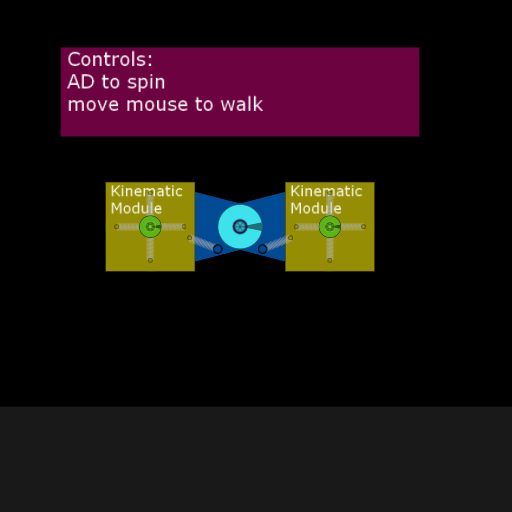
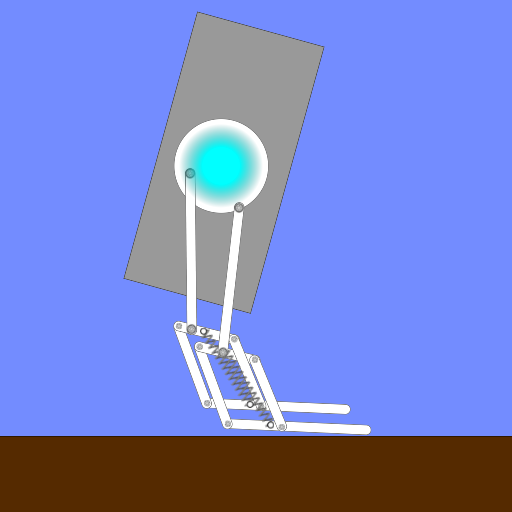
screenshot of the scene

Author: UnityDogGaming04

Group: Default

Filesize: 31.54 kB

Date added: 2022-06-29

Rating: 5

Downloads: 969

Views: 206

Comments: 4

Ratings: 1

Times favored: 0

Made with: Algodoo v2.1.0

Tags:

Scene tag

This one has the 4-spring system as seen in the Even Clumsier Walker scene, meaning the legs don't invert if too much force is applied or if you move the mouse out of range.

Controls in scene.
Last edited at 2022/06/29 22:28:52 by UnityDogGaming04
Please log in to rate this scene
edit
Similar scenes
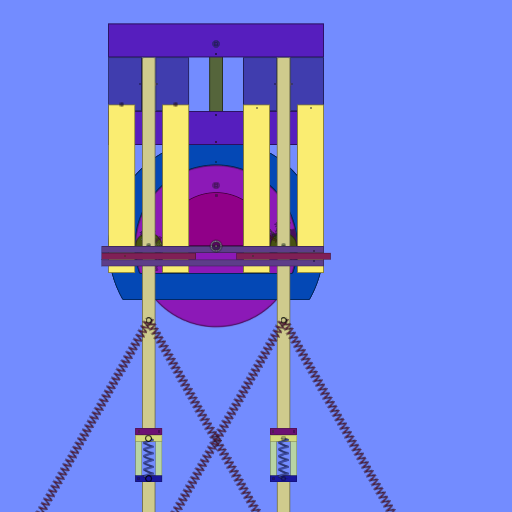
Title: Walker using linkage
Rating: 6.3
Filesize: 51.35 kB
Downloads: 721
Comments: 6
Ratings: 4
Date added: 2011/09/18 00:28:43
Made with: Algodoo v1.9.9b
Rating: rated 6.3
download
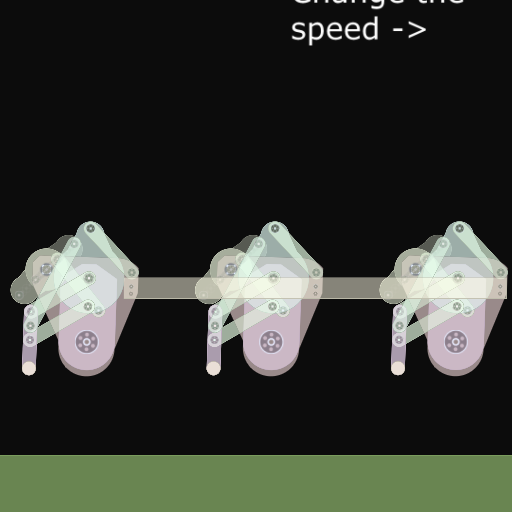
Title: Double walker
Rating: 5
Filesize: 13.22 kB
Downloads: 495
Comments: 0
Ratings: 1
Date added: 2009/08/07 17:39:53
Made with: Phun
Rating: rated 5
download
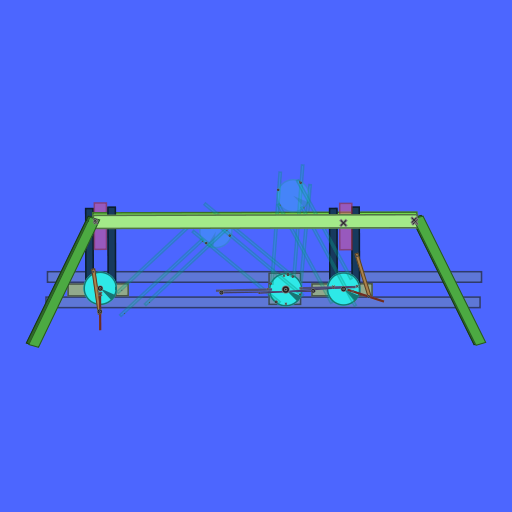
Title: cool walker
Rating: 6.4
Filesize: 95.96 kB
Downloads: 1299
Comments: 7
Ratings: 4
Date added: 2009/11/23 19:32:19
Made with: Phun
Rating: rated 6.4
download
Title: Walker's legs
Rating: 5
Filesize: 32 kB
Downloads: 643
Comments: 5
Ratings: 1
Date added: 2009/04/21 17:47:43
Made with: Phun
Rating: rated 5
download
Title: the is my first walker and first upload in PHUN so just saying
Rating: 5.8889
Filesize: 42.18 kB
Downloads: 1052
Comments: 9
Ratings: 3
Date added: 2009/10/26 03:15:29
Made with: Phun
Rating: rated 5.9
download
Title: T1 spider walker
Rating: 7.25
Filesize: 343.69 kB
Downloads: 680
Comments: 10
Ratings: 12
Date added: 2008/10/12 03:30:58
Made with: Phun
Rating: rated 7.3
download
Wow, this thing is nearly impossible to control! It's like trying to balance a football on the point of a pencil. :lol:

Do you have any suggestions for people like me who have trouble getting it to walk in a stable fashion? :huh:
So weird!
I do have some suggestions, Xray.

1. Hover the mouse over the center of the KM on the right, and lightly but quickly shake up to the right, then down to the left. A little movement gets the job done. This is enough to steadily move to the right, and to go left, just go up to the left and down to the right instead.

2. To jump to the platforms is a little tricky, often you'll get unwanted spin. The way I found easiest is to slowly move the mouse toward the bottom left corner of the right KM to get into a crouched position, then move your mouse up and to the right. The exact angle is hard to get, but with practice you should be able to find what works.

3. Once you're fairly good at the first 2 things and you have a good grasp at how mouse movement effects each leg, it'll be much easier to run. You'll want to impart clockwise angular momentum with the rear leg, and counter clockwise momentum with the front. This is also its own balancing act, but eventually you'll be able to say you walked with the weirdest walker on the Algbox!
I DID IT! :lol:

Thanks for the help. :tup: