Browse Search Popular Register Upload Rules User list Login:
Search:
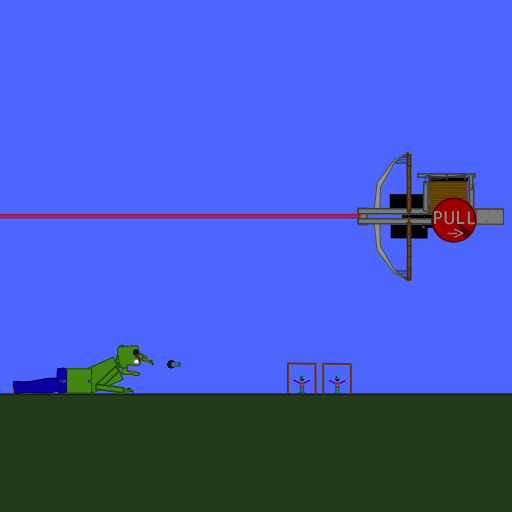
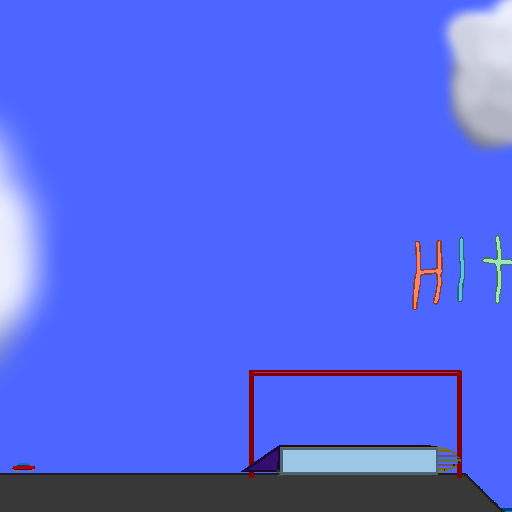
ASP 1.0 contest entry

Image:
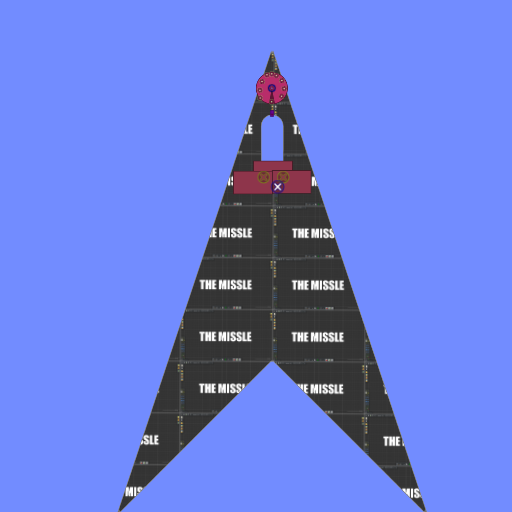
screenshot of the scene

Author: xaxexx

Group: Default

Filesize: 203.39 kB

Date added: 2020-04-19

Rating: 5

Downloads: 1024

Views: 307

Comments: 2

Ratings: 1

Times favored: 0

Made with: Algodoo v2.1.0

Tags:

Scene tag

contest entry for unitydoggaming's rocket contest

team name: Team xax

can turn (kinda), uses no eometry controllers or thrusters; within rules

didn't test max speed

powered by scripted ball launchers; balls propel ship up

rocket name: BLAT-20; The Missle
controls: arrows

dunno what else to say!
Last edited at 2020/04/19 01:17:17 by xaxexx
Please log in to rate this scene
edit
Similar scenes
Title: Contest Entry for Erikfassett
Rating: 5.625
Filesize: 384.31 kB
Downloads: 1944
Comments: 2
Ratings: 2
Date added: 2015/11/22 13:01:44
Made with: Algodoo v2.1.0
Rating: rated 5.6
download
Title: ATV contest entry
Rating: 5
Filesize: 114.93 kB
Downloads: 826
Comments: 1
Ratings: 1
Date added: 2008/11/28 20:13:00
Made with: Phun
Rating: rated 5
download
Title: Save The World contest entry
Rating: 5
Filesize: 441.17 kB
Downloads: 1633
Comments: 5
Ratings: 1
Date added: 2009/06/20 22:40:23
Made with: Phun
Rating: rated 5
download
Title: SteamPunk Contest Entry
Rating: 6.6
Filesize: 91.65 kB
Downloads: 1600
Comments: 0
Ratings: 4
Date added: 2010/04/04 17:16:34
Made with: Algodoo before v1.8.5
Rating: rated 6.6
download
Title: Zombie Contest Ivanoski Entry
Rating: 6.25
Filesize: 269.89 kB
Downloads: 910
Comments: 2
Ratings: 4
Date added: 2008/11/01 07:51:41
Made with: Phun
Rating: rated 6.3
download
Title: Contest entry: Harvester
Rating: 7.3636
Filesize: 330.54 kB
Downloads: 871
Comments: 0
Ratings: 11
Date added: 2008/07/31 17:28:26
Made with: Phun
Rating: rated 7.4
download
It's a bit tricky to control, but since there are no other entries yet, it will go in the
HALL OF FAME!
Can I give a tip on how to get good turning?
-place a circle in your rocket and attach with axle
-set axle controls to arrows left and right or A and D
-enable reversed checkbox
-enable brake checkbox
-change speed and torque as needed
-open circle script menu
-find "inertiaMultiplier" and type "+inf"
your torque guidance circle is done!
thanks, might use it soon