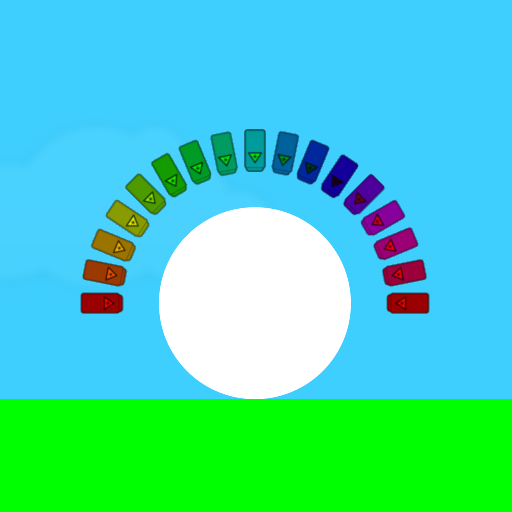
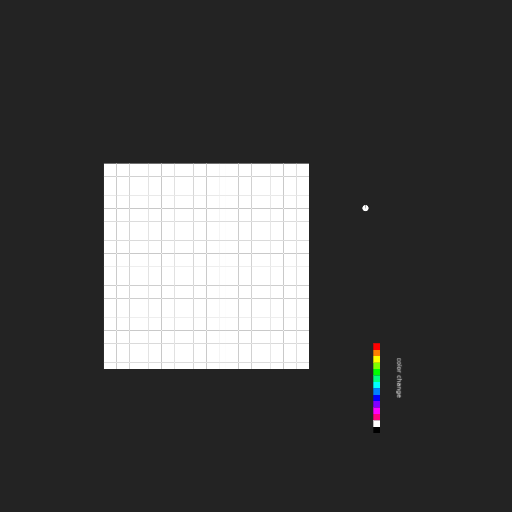
1. Instead of placing script in each laser, you only need one simple line of script in the circle which will achieve the same result:
onHitByLaser = (e)=>{Color = e.laser.Color}
A rule of thumb: The fewer lines of code needed to complete a task, the faster and more efficiently the program will run, and the easier it will be to maintain (find and fix bugs).
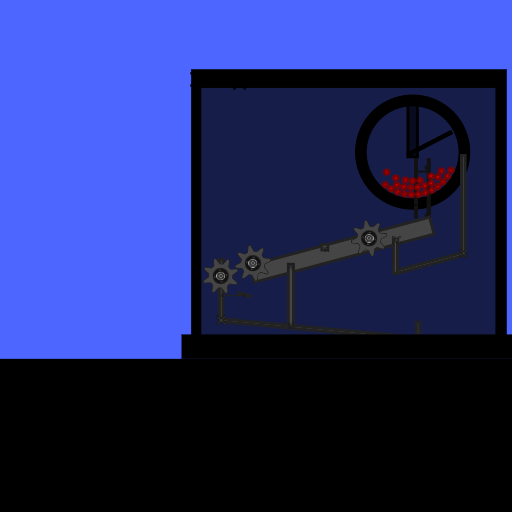
2. Disable the Algodoo clouds. If clouds are not necessary, or if it simply makes no sense to display clouds, then it's better to disable them. When clouds float by in a scene which is demonstrating a mechanical device, they only create confusion or cause distraction.
I hope you find these suggestions helpful and I hope they are a learning experience for you!