Browse Search Popular Register Upload Rules User list Login:
Search:
Mechanical gearbox 2 [RELOADED]

Image:
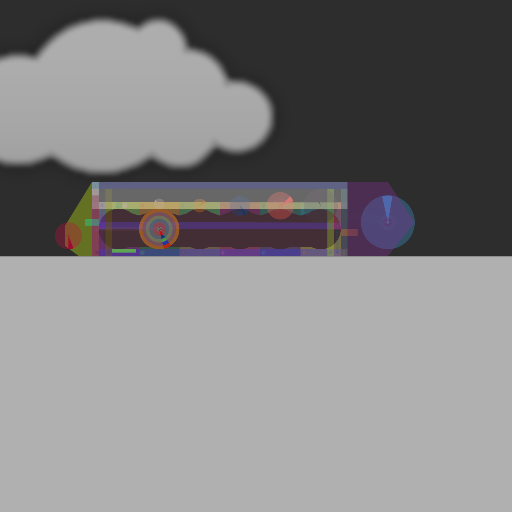
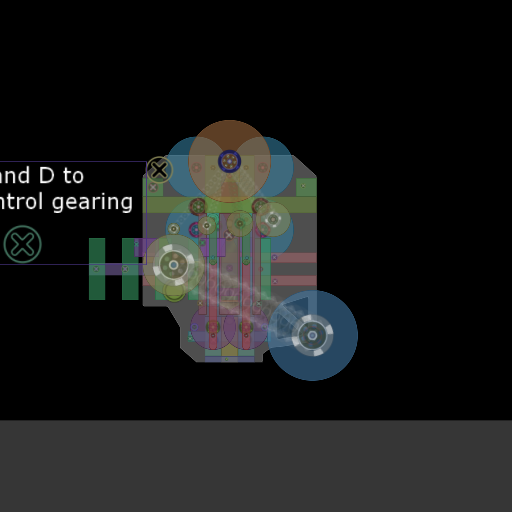
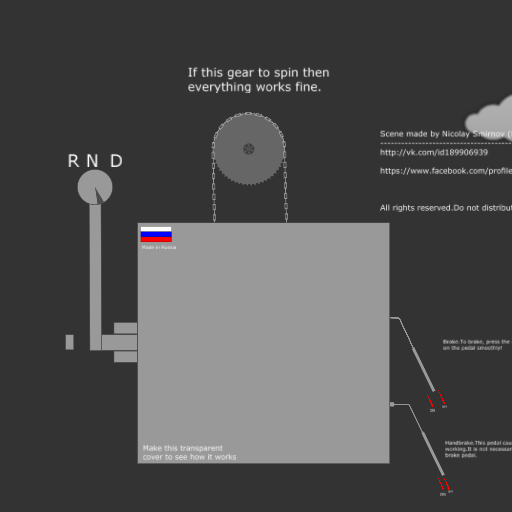
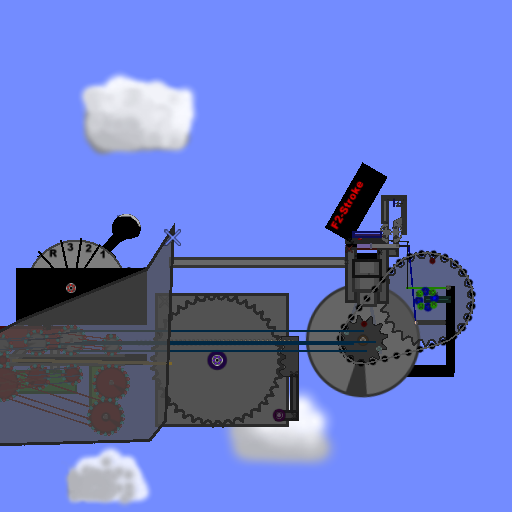
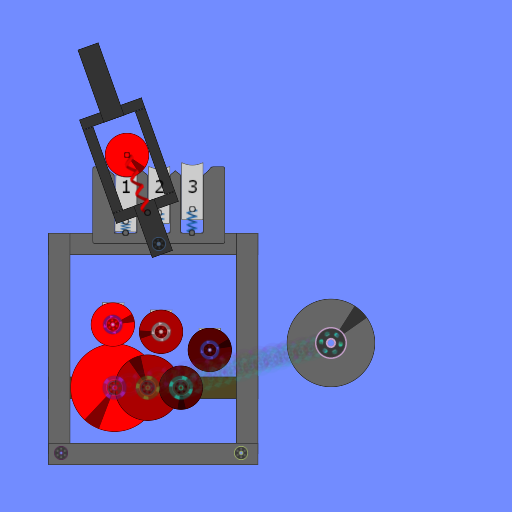
screenshot of the scene

Author: omega2012

Group: Default

Filesize: 49.37 kB

Date added: 2017-03-05

Rating: 5

Downloads: 588

Views: 412

Comments: 3

Ratings: 1

Times favored: 0

Made with: Algodoo v2.1.0

Tags:

Scene tag

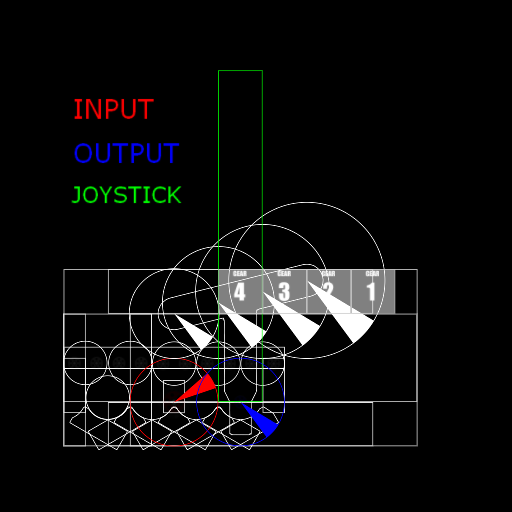
New version of my gearbox. It is more stable and have 5 gears and reverse gear
1-5 - Gears
R - reverse gear
N - neutral gear

Please comment!
Last edited at 2017/03/23 19:23:35 by omega2012
Please log in to rate this scene
edit
Similar scenes
Title: Mechanical Gearbox [RELOADED]
Rating: 5
Filesize: 46.31 kB
Downloads: 601
Comments: 0
Ratings: 1
Date added: 2017/02/22 14:45:39
Made with: Algodoo v2.1.0
Rating: rated 5
download
Title: Mechanical Gearbox
Rating: 6.2143
Filesize: 120.99 kB
Downloads: 4925
Comments: 6
Ratings: 8
Date added: 2009/07/28 23:29:41
Made with: Phun
Rating: rated 6.2
download
Title: Continuosly Varible Gearbox - No thyme
Rating: 6.5
Filesize: 56.74 kB
Downloads: 1775
Comments: 4
Ratings: 4
Date added: 2009/06/12 17:47:22
Made with: Phun
Rating: rated 6.5
download
Title: Mechanical auto gearbox test
Rating: 5
Filesize: 474.99 kB
Downloads: 1586
Comments: 5
Ratings: 1
Date added: 2015/06/03 21:12:04
Made with: Algodoo v2.1.0
Rating: rated 5
download
Title: Chevrolet Camaro [reloaded]
Rating: 5
Filesize: 135.23 kB
Downloads: 652
Comments: 0
Ratings: 1
Date added: 2013/03/11 08:47:52
Made with: Algodoo v2.0.1
Rating: rated 5
download
Title: UAZ 452 (Spring engine, gearbox)
Rating: 4.75
Filesize: 141.54 kB
Downloads: 1524
Comments: 1
Ratings: 2
Date added: 2014/07/06 15:08:39
Made with: Algodoo v2.1.0
Rating: rated 4.8
download
your thyme is broken, because you used non scene.my.variables. It will probably only work for you, maybe not even for you after you download the scene. Do this:
Press F10, write

scene.my.length = 1.18

on the console. this will declare a variable called scene.my.length, and it will put it the initial number of 1.18. Global variables (a.k.a easily accessed) are stored within the simulation, this means that if you copy the 'box and paste it on another scene it will stop working. Now press F10 again to close the console

Now, on the spring's length property, write

{scene.my.length}

this will make the length equal to scene.my.length. Now go to each laser and write
(e)=>{scene.my.length= whatevernumbercomeshere}
a.k.a lengths of the springs at different gears
You don't really need the second variable. Make a cam out of some circles and make it rotate when you need the clutch, so that the whole thing goes up. Keep it as simple and variable-free as possible if you can
Yep exactly what I was about to comment.
Thank you a lot!