Browse Search Popular Register Upload Rules User list Login:
Search:
ANIMATION MORPHING TRIP FRACTAL GLOBE LASER SCRIPT

Image:
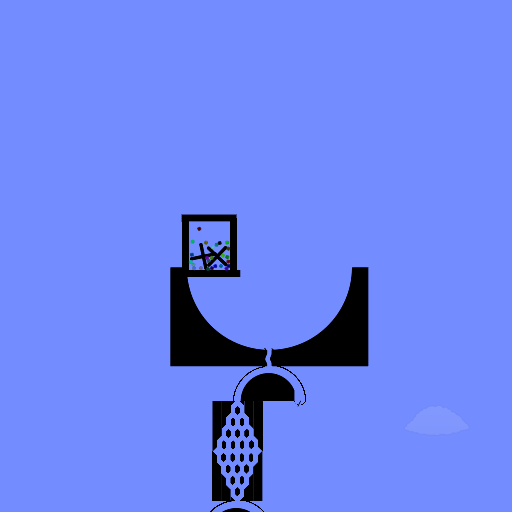
screenshot of the scene

Author: matto

Group: Default

Filesize: 7.3 MB

Date added: 2016-04-01

Rating: 5.4

Downloads: 1740

Views: 409

Comments: 3

Ratings: 2

Times favored: 0

Made with: Algodoo v2.1.0

Tags:

Scene tag

PRESS SPACE
Last edited at 2019/05/10 18:39:23 by matto
Please log in to rate this scene
edit
Similar scenes
Title: Battle For The Globes Marble Race :D YEAH!
Rating: 5
Filesize: 388.56 kB
Downloads: 1007
Comments: 0
Ratings: 1
Date added: 2020/09/17 22:41:04
Made with: Algodoo v2.1.0
Rating: rated 5
download
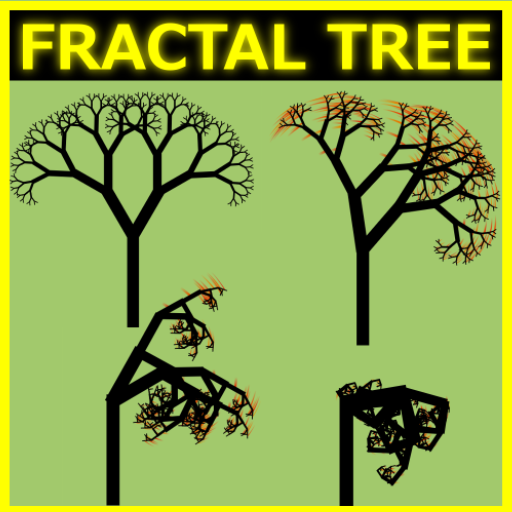
Title: fractal tree morphing
Rating: 5.625
Filesize: 0.51 MB
Downloads: 1341
Comments: 3
Ratings: 2
Date added: 2016/04/13 18:50:43
Made with: Algodoo v2.1.0
Rating: rated 5.6
download
Title: fractal tree morphing
Rating: 6.1111
Filesize: 0.51 MB
Downloads: 2881
Comments: 10
Ratings: 3
Date added: 2018/01/19 01:13:02
Made with: Algodoo v2.1.0
Rating: rated 6.1
download
Title: Scripted Party Laser V.2
Rating: 5
Filesize: 6.51 kB
Downloads: 519
Comments: 0
Ratings: 1
Date added: 2013/12/30 01:43:13
Made with: Algodoo v2.1.0
Rating: rated 5
download
Title: onLaserStop event
Rating: 5
Filesize: 31.7 kB
Downloads: 581
Comments: 6
Ratings: 1
Date added: 2014/12/03 23:44:49
Made with: Algodoo v2.1.0
Rating: rated 5
download
Title: Script simple Mine (Mina de script)
Rating: 4.8889
Filesize: 0.51 MB
Downloads: 835
Comments: 3
Ratings: 3
Date added: 2009/09/08 18:13:26
Made with: Algodoo before v1.8.5
Rating: rated 4.9
download
8/8 gr8 m8
This has to be the coolest thing i've seen on here for a LONG time!

How long did it take to work out all the moving parts?
It works just like a fractal.
I thought actual 3D didn't exist, but i believe you broke Algodoo with this scene!
thank you guys

I have not worked on it for a long time.
it is more difficult to explain than to create the scene.

this scene is a gif.
I separated the frames of the gif.
I put the frames next to each other.
I created a disk.
I cut the disk into equal parts.
the number of parts of the disc is equal to the number of frames of the gif.
I used the "brush" command by extending the geometry of all the frame.
each frame is connected to a different part of the disk as a single polygon.
I lined up the frames.
the frames are activated by a scripted laser.
Lasers make transparent the frames and activate the colors one frame at a time.